In today’s rapidly evolving tech landscape, our smartphones and tablets have become indispensable tools, capable of far more than just making calls. The advent of USB On-The-Go (OTG) technology has further amplified this versatility, transforming our portable devices into mini-command centers. With a simple Micro USB OTG cable, you can unlock a world of possibilities, connecting peripherals like flash drives, keyboards, mice, and even game controllers directly to your device. However, not all OTG cables are created equal, and choosing the wrong one can lead to frustration, compatibility issues, and wasted money. This in-depth guide will equip you with the knowledge to navigate the world of Micro USB OTG cables and select the perfect one for your needs.
Understanding the Magic: What is Micro USB OTG?
Before diving into selection criteria, let’s clarify what Micro USB OTG actually is. USB OTG, a specification developed by the USB Implementers Forum (USB-IF), allows a mobile device (like a smartphone or tablet) to act as a USB host. Traditionally, only computers served as USB hosts, initiating communication with peripheral devices. With OTG, your phone can now initiate this communication. The “Micro USB” part refers to the connector type. Many older and some budget-friendly Android devices utilize the Micro USB port for charging and data transfer. An OTG cable essentially bridges the gap, allowing you to connect a standard USB-A female port (where you’d typically plug in a USB drive or mouse) to your device’s Micro USB port.
Imagine this: You’re on a trip and need to quickly access files from a USB drive. Without OTG, you’d need to transfer them to a computer first. With an OTG cable, you simply plug the drive into your phone, and voilà – your files are accessible. Similarly, if your phone’s touchscreen becomes unresponsive, you can plug in a USB mouse to navigate and troubleshoot.
Why You Need the Right Micro USB OTG Cable

The allure of OTG is undeniable, but a poorly chosen cable can lead to:
- Compatibility Issues: Some devices or peripherals may not be recognized at all.
- Data Transfer Errors: Slow speeds or corrupted data can be a common problem.
- Device Damage: In rare cases, incorrect wiring or low-quality components can potentially harm your device or the connected peripheral.
- Limited Functionality: Not all OTG cables support all OTG functions (e.g., some might only support flash drives, not keyboards).
- Frustration and wasted time: The primary goal of OTG is convenience; a bad cable defeats that purpose.
Key Factors to Consider When Choosing Your Micro USB OTG Cable
Now, let’s get down to the specifics. When selecting a Micro USB OTG cable, several crucial factors come into play:
1. Device Compatibility: The Foundation of Your Choice
![SUNGUY USB C to Micro USB OTG Cable 3FT [2 Pack], Micro USB](https://m.media-amazon.com/images/I/81WS9y-rSXL._AC_SL1500_.jpg)
This is arguably the most critical factor. Not all devices with a Micro USB port support OTG functionality. While many Android devices manufactured in the last decade do, it’s not a universal feature. Older or very low-end devices might lack this capability.
How to Check:
- Consult Your Device Manual: The most reliable source of information is your device’s original manual or the manufacturer’s official website. Look for specifications related to USB OTG support.
- Online Resources and Forums: Search online for “[Your Device Model] OTG support” or check dedicated tech forums. Many users share their experiences and confirm compatibility.
- Third-Party Apps: Some apps on the Google Play Store (e.g., “USB OTG Checker”) can scan your device and report if it supports OTG. While these are generally accurate, it’s always best to cross-reference with official sources.
Example: A Samsung Galaxy Grand Prime might support OTG, allowing you to connect a USB flash drive. However, a very old budget tablet might not have this feature enabled, regardless of the port. This is why knowing your device’s specific capabilities is paramount.
2. Cable Type and Functionality: Beyond Simple Connectivity
OTG cables come in various forms, each with specific purposes:
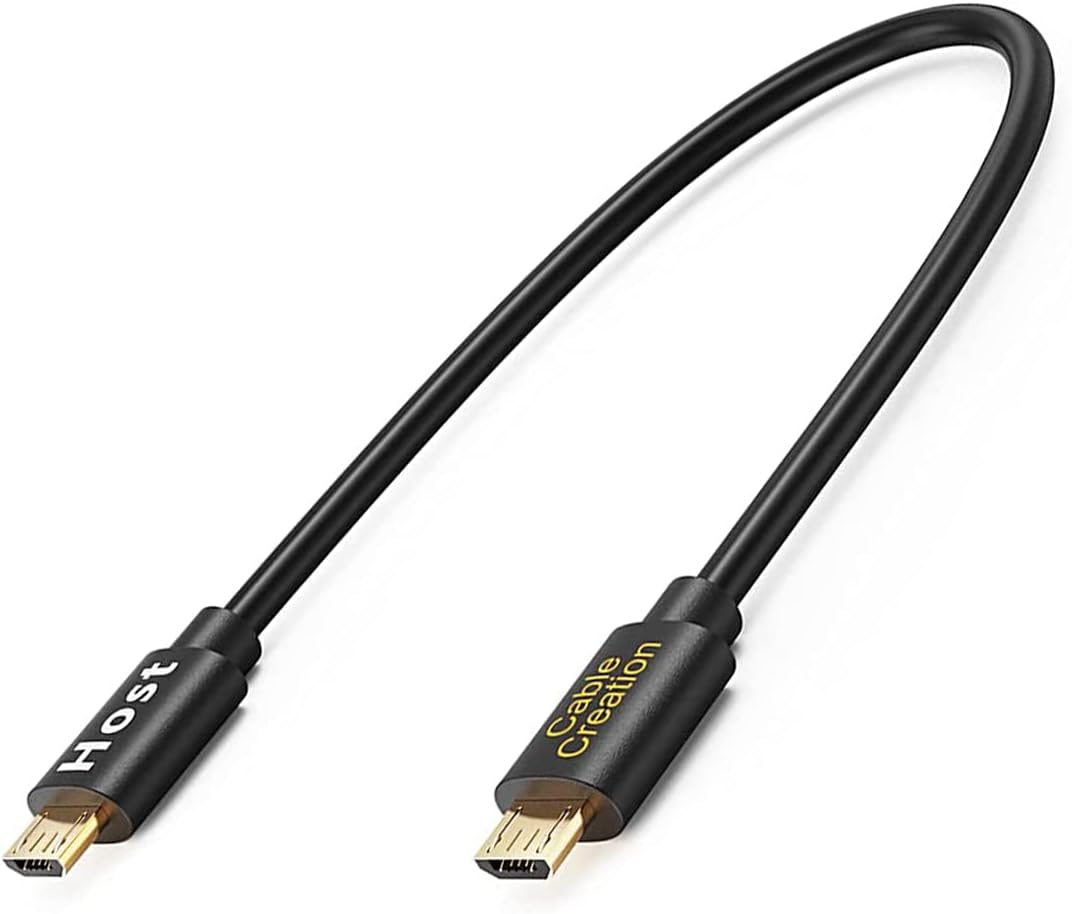
- Standard OTG Adapter/Cable: This is the most common type. It typically has a Micro USB male connector on one end and a USB-A female port on the other, allowing you to plug in standard USB devices.
- OTG Hubs: If you need to connect multiple USB devices simultaneously, an OTG hub is your solution. These have a Micro USB connector and multiple USB-A ports. Ensure the hub is powered if you plan to connect power-hungry devices.
- OTG Cables with Charging Passthrough: Some advanced OTG cables allow you to charge your device while simultaneously using an OTG peripheral. This is incredibly useful for extended use cases, preventing your battery from draining quickly.
Case Study: Sarah, a freelance photographer, often needs to transfer photos from her camera’s SD card to her tablet for editing on the go. She initially bought a basic OTG cable. However, she found that while it worked for flash drives, it didn’t recognize her card reader. She then invested in a higher-quality OTG adapter specifically designed to support a wider range of USB devices, including card readers, which resolved her issue.
3. Build Quality and Durability: Investing in Longevity

The physical construction of the cable matters. A flimsy cable with weak connectors is more prone to damage and can lead to intermittent connectivity issues. Look for:
- Braided Cables: Often made with nylon or fabric braiding, these are more resistant to tangling and physical stress.
- Reinforced Connectors: Look for cables with reinforced stress points at the connector ends, which are typically the most vulnerable parts.
- High-Quality Materials: Reputable brands use better quality wires and shielding to ensure reliable data transfer and durability.
Statistic: According to a consumer survey on electronics accessories, users reported a 30% higher satisfaction rate with cables that featured braided construction and reinforced connectors due to their increased lifespan and reduced failure rates.
4. Data Transfer Speed: The Backbone of Performance

While Micro USB itself has limitations, the quality of the OTG cable can still impact data transfer speeds. Older Micro USB standards might cap out at USB 2.0 speeds (around 480 Mbps). However, some newer devices and cables might support faster standards if the underlying hardware allows.
What to Look For:
- USB Standard Compliance: While often not explicitly stated for OTG cables, if your device supports a particular USB standard (e.g., USB 3.0), aim for a cable that can leverage that speed, though this is less common for Micro USB OTG due to the port’s limitations. The primary bottleneck will usually be the Micro USB port on your device.
- Shielding: Good shielding within the cable helps prevent interference, which can maintain stable and faster data transfer rates.
Example: Transferring a large video file from a high-speed USB 3.0 flash drive to your phone using a cheap, unshielded OTG cable might take significantly longer than using a well-constructed cable, even if both are technically “OTG.”
5. Brand Reputation and Reviews: Learning from Others
Don’t underestimate the power of peer reviews and brand trust. Stick with reputable brands that have a history of producing quality accessories. Before making a purchase, take the time to:
- Read Customer Reviews: Check reviews on e-commerce platforms. Look for recurring complaints or praises related to compatibility, durability, and performance.
- Research Brands: Opt for well-known brands in the mobile accessory market. Their products are generally more reliable and come with better customer support.
- Check for Warranty: A good warranty can be a lifesaver if you encounter any issues with your OTG cable.
Tip: Pay attention to reviews that mention the specific device you own. If multiple users with the same phone model have positive experiences with a particular OTG cable, it’s a good indicator of compatibility.
Putting it all Together: A Practical Approach to Selection
To simplify the selection process, follow these steps:
- Identify Your Device’s OTG Capability: This is the non-negotiable first step.
- Determine Your Primary Use Case: What do you want to connect? A flash drive? A keyboard? A game controller? This will influence the type of OTG cable you need.
- Consider Future Needs: Do you anticipate needing to connect multiple devices? An OTG hub might be a better long-term investment.
- Prioritize Build Quality: Invest in a durable cable that will withstand daily use.
- Read Reviews and Compare Prices: Find a balance between cost and quality. Don’t be afraid to spend a little more for a reliable product.
Common Peripherals You Can Connect with Micro USB OTG

The possibilities are vast, but here are some of the most popular use cases:
- USB Flash Drives and External Hard Drives: Access and transfer files directly to and from your phone.
- Keyboards and Mice: Turn your tablet into a portable workstation for typing or navigating with ease.
- Game Controllers: Enjoy a more immersive gaming experience by connecting your favorite gamepad.
- Digital Cameras and Memory Card Readers: Offload photos and videos directly from your camera or memory card.
- USB Headsets and Microphones: Some devices can utilize external audio peripherals.
- USB Fans and LED Lights: A fun way to personalize your setup and stay cool.
Note: For peripherals that draw significant power (like external hard drives), ensure your device’s OTG implementation can supply enough power, or consider using a powered OTG hub.
The Micro USB OTG cable is a small but powerful accessory that can dramatically enhance the functionality of your smartphone or tablet. By understanding your device’s capabilities, considering the different types of OTG cables available, prioritizing build quality, and learning from the experiences of other users, you can confidently choose the right cable to unlock a world of convenience and expand your mobile device’s potential. Don’t let a cheap or incompatible cable hinder your productivity or entertainment. Invest wisely, and enjoy the seamless integration of your favorite USB peripherals with your portable tech.